Free browser tool
Bead Pattern Maker
Upload a photo to create a bead chart automatically. Adjust rows and columns, split large designs across 29 × 29 pegboards, and download one PNG with the placement grid, HEX colors, symbols, and quantities.
Upload a photoImages are processed in your browser. No sign-up is required.
Build a counted bead pattern
The chart appears when you upload. Change rows or columns to recalculate it; ordinary photo backgrounds are kept.
Set chart rows and columns
Enter whole numbers from 1 to 58. The tool keeps the image proportions, centers it, and leaves empty cells rather than stretching it. Transparent outer margins are trimmed while transparent holes stay empty. Fully transparent images need a visible pixel.
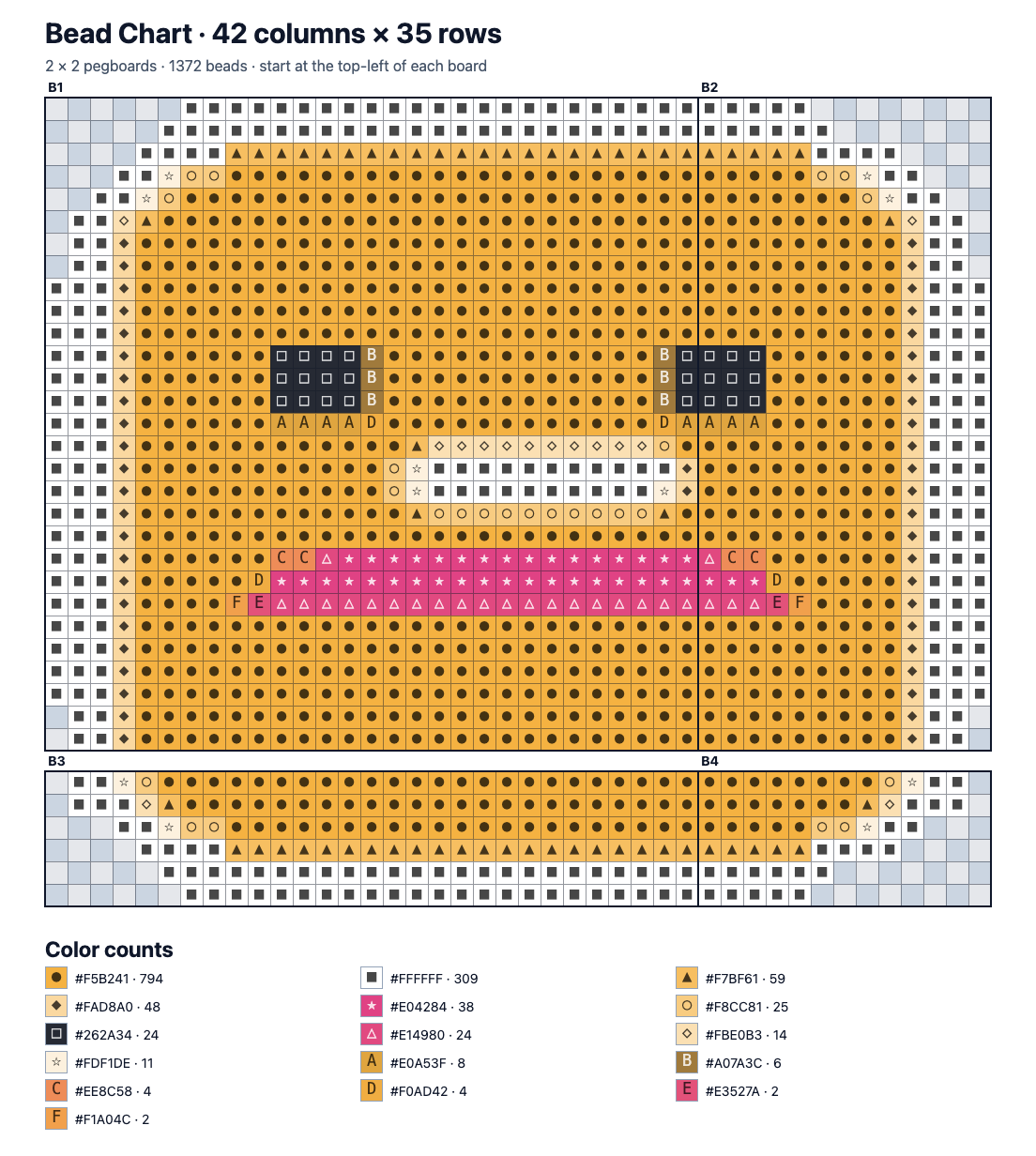
The chart uses board sections of up to 29 columns × 29 rows. The chart marks board numbers and boundaries, and shows the total bead count. Photo backgrounds are kept and converted into bead colors; use Center Crop to Chart to trim the sides or top and bottom, and Undo Crop to restore the full photo.
Photo to bead chart examples
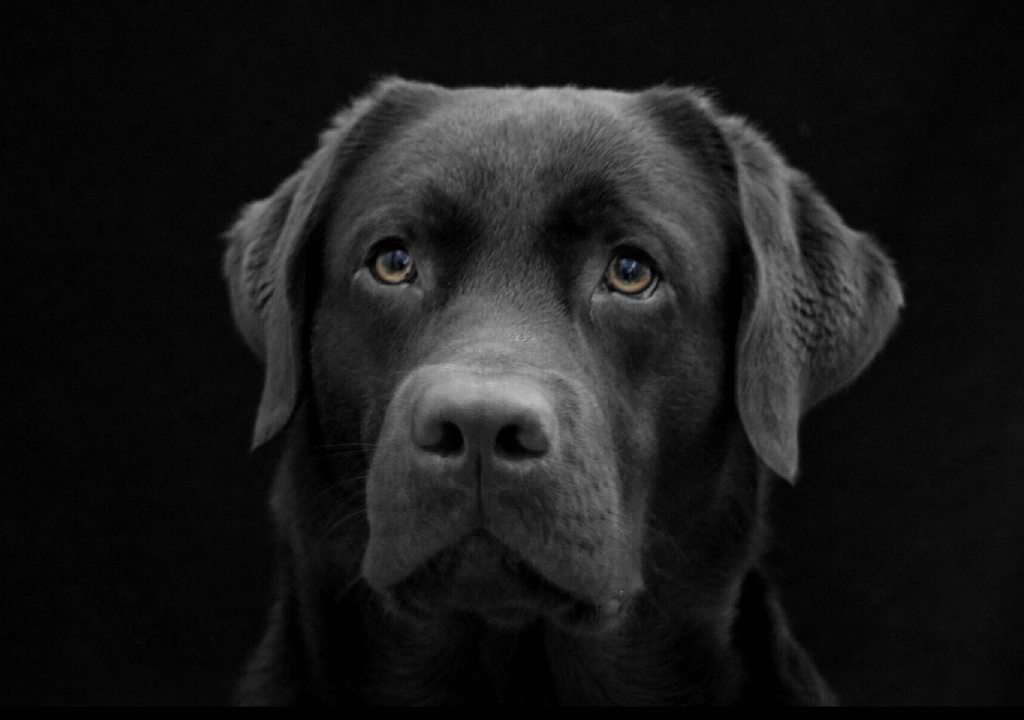
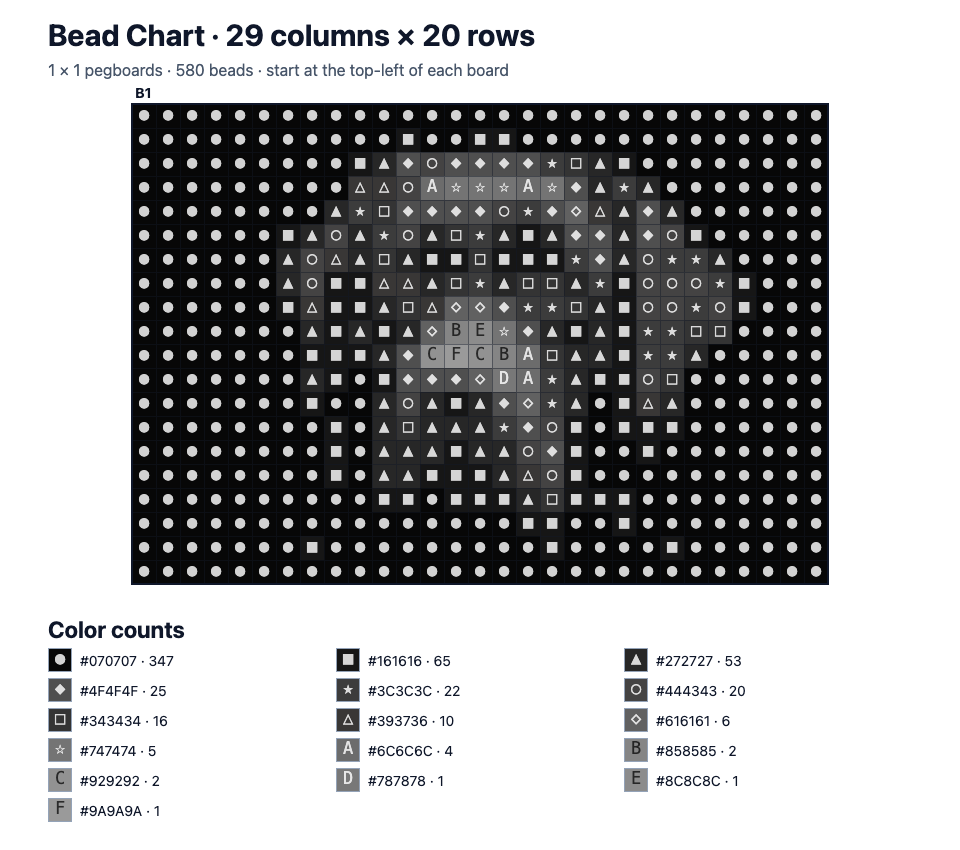
These examples show the uploaded source beside PNGs exported by this tool: one photo fitted to one board and one transparent design split across four boards.

Match colors to the beads you have
The tool picks up to 16 colors from your image. Each swatch shows a HEX value and how many beads use that color. Screen colors are a guide; compare them with your own color card to choose the closest shades.
The example dog photo is by Rawpixel and is dedicated under CC0 1.0. View its Wikimedia Commons source and license.

Bead pattern maker FAQ
How do I turn a photo into a bead pattern?
Upload a photo and the chart is generated automatically. Set its rows and columns, then download the complete PNG with board labels and the color count list.
How many beads fit on a 29 × 29 pegboard?
A full 29 × 29 board has 841 cells. The chart trims transparent outer margins, keeps transparent holes empty, and counts each visible cell as one bead. White beads remain in the count.
Are the displayed bead colors exact?
No. The HEX swatches represent the colors in the digital chart. Physical bead colors can vary by batch and lighting, so check a real color card before purchasing.
Related guide
For more advice on choosing a grid and reading color counts, see the bead and stitch pattern guide.