Free browser tool
Pixelate Image Online
Turn a whole image into adjustable pixel blocks in your browser. Preview the effect, keep the original colors or try a built-in palette, and download a PNG.
Upload an imageYour image is processed locally in your browser and is not uploaded to our server.
Pixelate your image
Upload an image, adjust the block size or palette, then preview and download the PNG result.
How to pixelate an image
- 1
Upload an image
Choose an image from your device or drag it into the tool.
- 2
Adjust the blocks
Set the pixel size and optionally select a built-in palette while keeping Original colors by default.
- 3
Preview and download
Compare the original and pixelated versions, then download the result as a PNG.
Choose a pixel block size
Smaller blocks preserve more of the source image's detail and create a subtler pixel effect. Larger blocks remove more fine detail and produce a chunkier retro look.
Start small when the subject needs to stay recognizable. Try larger blocks for game assets, avatars, or a stronger 8-bit-inspired visual treatment.
Same photo, three block sizes
These are real outputs from this page's pixel-size mode on a 960 × 720 lake photo, with Original colors and no palette. In this mode the download keeps the original 960 × 720 size; only the blocks change. The block size is how many source pixels each block covers, so the number of blocks across is the image width divided by the block size.
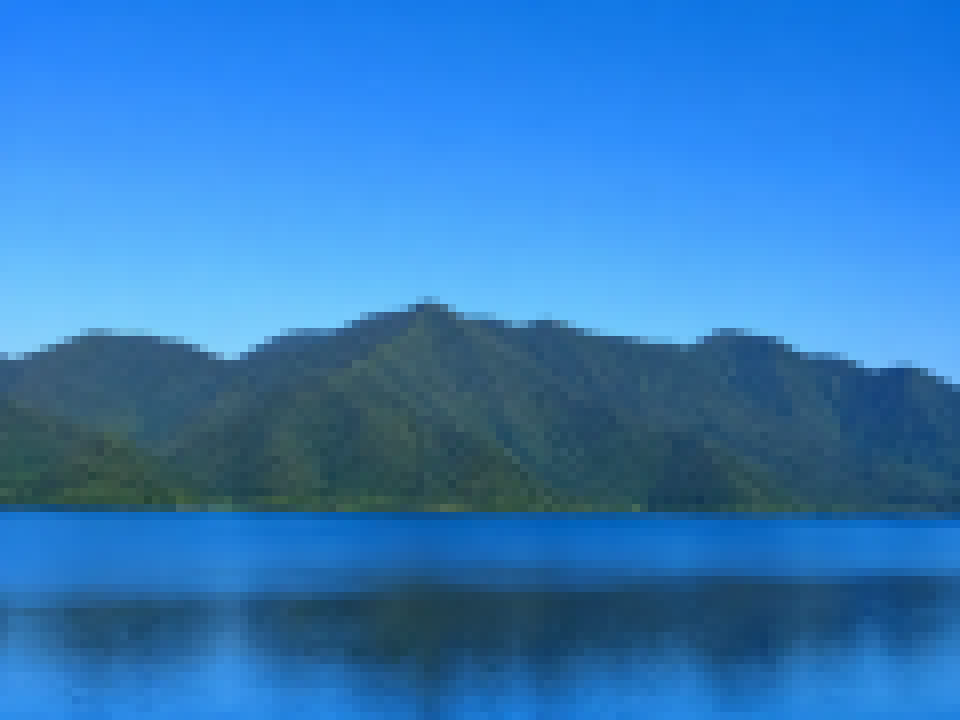
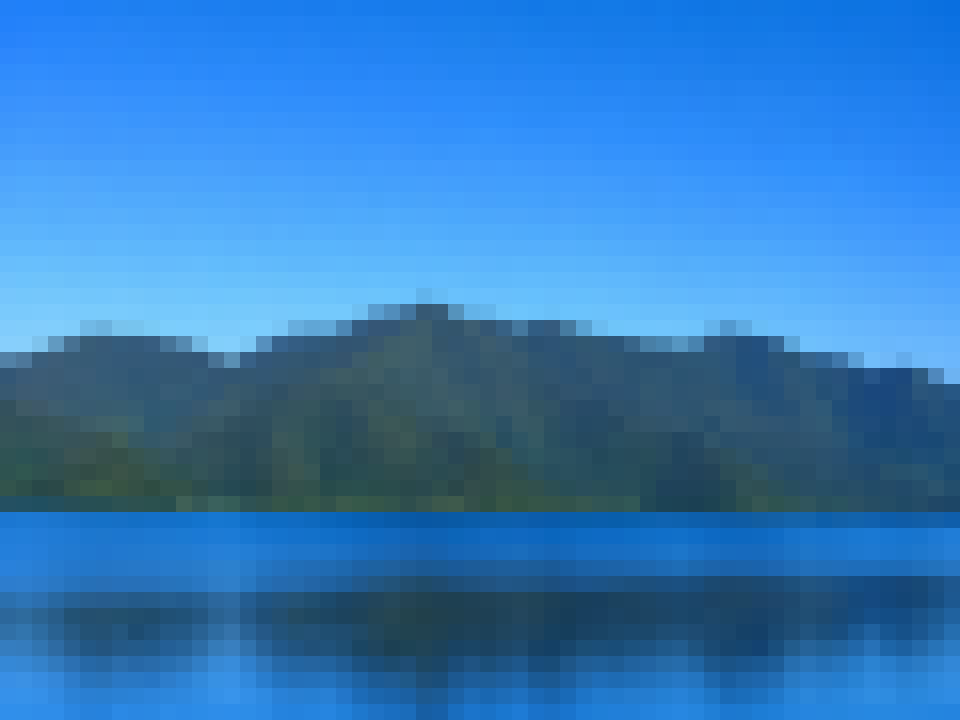
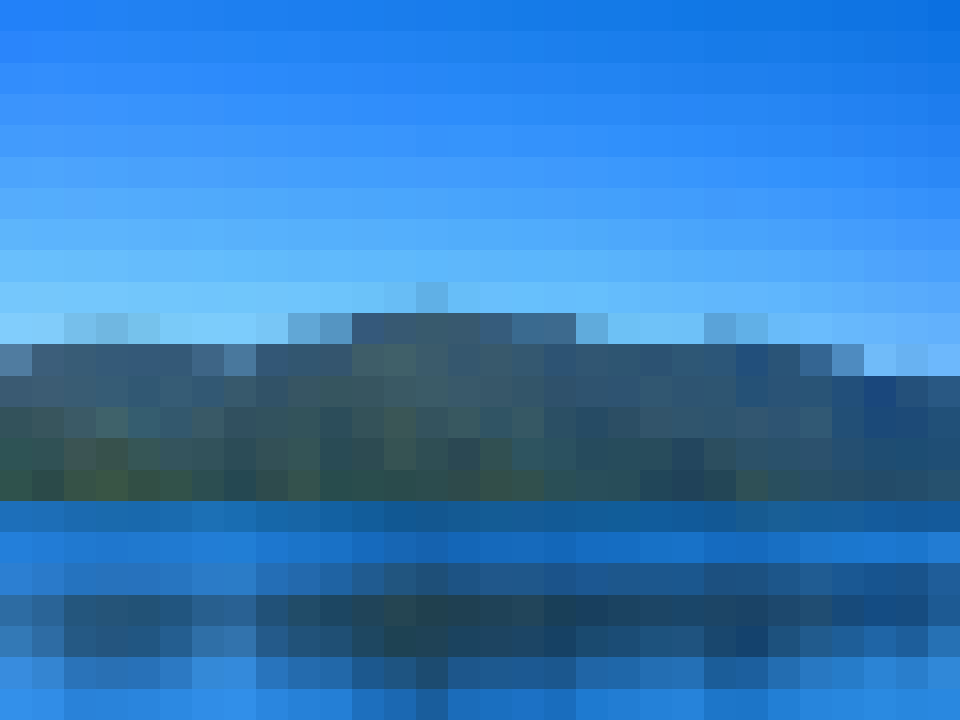
Because block size is measured in source pixels, the same setting looks stronger on a small image than on a large one: block size 16 on a 4,000-pixel-wide photo gives 250 blocks across and looks only lightly pixelated. For a consistent look across images of different sizes, switch to the column presets instead. The conversion guide compares both approaches.
Pixelate image FAQ
How do I pixelate an image?
Upload an image, choose a pixel size, and inspect the before-and-after preview. You can keep the original colors or select a built-in palette before downloading the PNG.
Is my image uploaded?
No. The pixelation runs locally in your browser, so the tool does not upload your image to our server.
What does pixel size change?
A smaller pixel size keeps more detail. A larger pixel size creates larger blocks and a more pronounced pixelated effect.
What format can I download?
After previewing the result, you can download the whole pixelated image as a PNG file.
Can I pixelate only a face or background?
No. This tool applies the pixel effect to the whole image. It does not provide selective regions, blur, or masking controls.
Need a broad image-to-pixel-art workflow? Open the Image to Pixel Art Converter or use the photo to pixel art converter for a photo-focused starting point. Planning Minecraft blocks? Use the Minecraft pixel grid generator.